
Connect Cursor to Your Blog With MCP
Key takeawaysCursor reads MCP servers from an mcp.json file, either per project (.cursor/mcp.json) or globally (~/.cursor/mcp.json).A remote server needs a url...
19 October 2026 · 4 min read
Key takeaways
- Cursor reads MCP servers from an
mcp.jsonfile, either per project (.cursor/mcp.json) or globally (~/.cursor/mcp.json). - A remote server needs a
urlentry instead of acommand. - After saving, confirm the tools show up under Available Tools. If they don't, the MCP Logs panel tells you why.
- Whatever the client, Roami agents can draft and edit but cannot publish. That stays true in Cursor.
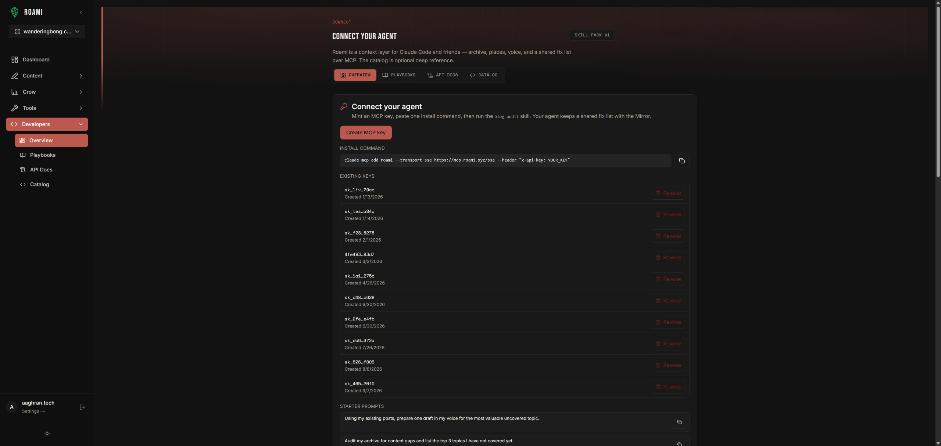
Most people think of Cursor as a code editor. It is also a perfectly good place to run a blog if your posts already live next to your code: docs, changelogs, build logs. Because Cursor speaks MCP, the same agent that edits your repo can read your content library and write drafts into it. The short version of this setup lives on the Roami for Cursor page.
Where does the Cursor MCP config live?
Cursor's docs describe two locations (Cursor MCP docs):
| Scope | File | Use it for |
|---|---|---|
| Project | .cursor/mcp.json | A blog that belongs to one repo |
| Global | ~/.cursor/mcp.json | Tools you want in every workspace |
If you write about one product from one repo, use the project file. If you run a personal blog from many workspaces, use the global one.
What does the Roami entry look like?
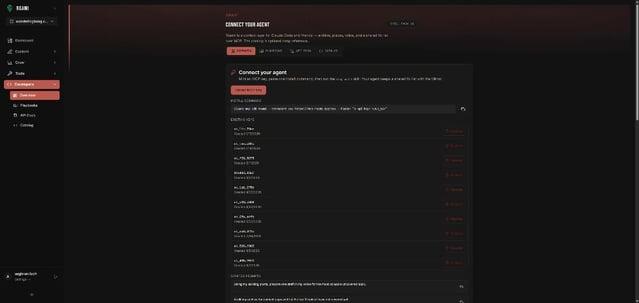
Remote servers use url where local ones use command. Cursor's documented shape is:
{
  "mcpServers": {
    "roami": {
      "url": "https://mcp.roami.xyz/sse"
    }
  }
}
Roami's endpoint is https://mcp.roami.xyz/sse, the same one you paste into Claude. Cursor's docs describe url entries for HTTP or SSE servers. They also say to keep secrets in environment variables (${env:NAME}) rather than pasting them into the file. For Roami you should not need a secret in the file at all, because access is granted by signing in rather than by pasting a long-lived key.
Check on your machine: the exact sign-in prompt Cursor shows for Roami depends on your Cursor version. Cursor's documentation covers OAuth for servers that give you a fixed client ID, which is a different case. If a browser sign-in window opens, complete it. If nothing happens, see the troubleshooting section below.
Step by step
| # | Step |
|---|---|
| 1 | Decide project or global scope |
| 2 | Create the file if it doesn't exist and add the roami entry above |
| 3 | Save, and make sure the server is toggled on (Customize in the sidebar) |
| 4 | Check Available Tools for the Roami tools |
| 5 | In chat: "List my Roami projects." |
| 6 | Name the project in later prompts |
How do I know it worked?
Cursor's docs give two checks:
- Open the MCP list from Customize in the sidebar, where servers can be toggled on or off, and look for the Roami tools under Available Tools.
- If anything fails, open the Output panel (
Cmd+Shift+Uon macOS,Ctrl+Shift+Uon Windows or Linux), choose MCP Logs, and read the initialization or connection error.
Then run a smoke test in the Cursor chat:
List my Roami projects.
A list of your projects means the connection works.
What should my first real prompt be?
Start read-only, then draft:
- "Search my Roami content for posts about <topic> and tell me which ones overlap."
- "Draft a post titled <title> in the <project> project, using the outline in
docs/launch-notes.md."
Cursor can read the file, write the body, and call Roami to create the draft. The draft lands in your CMS with status DRAFT. You open it, edit it and publish it yourself.
A docs-to-blog workflow
| Repo file | Becomes |
|---|---|
CHANGELOG.md | A build-log post (see Roami Build Log) |
docs/feature-x.md | A how-to draft |
notes/launch.md | An announcement draft |
Ask Cursor to use only the contents of the file and to list questions it can't answer from it.
Why can't Cursor publish?
Because Roami enforces that at the API and MCP layers, not in a prompt. An agent that asks to publish gets: 403 Agents can draft and edit. Only you can publish. Read Why AI Agents Should Not Publish and The Publish Gate.
Troubleshooting
| Symptom | Check |
|---|---|
| No tools listed | JSON valid? File in the right folder? Server toggled on? |
| Connection error in MCP Logs | URL exact, including /sse |
| Works in Claude but not Cursor | Each client signs in separately; complete the sign-in in Cursor too |
| Wrong project | Always name the project in your prompt |
Frequently asked questions
Project file or global file? Project if the blog belongs to one repo, global if you write from many.
Do I need an API key? Not for the flow described here. Do not paste secrets into a file you commit.
Can Cursor edit my published posts? It can edit drafts. Changes to live content go through you.
Try it
Start with Roami, connect Cursor, and ask it to list your projects. Then read Connect Claude to Your Blog With MCP if you also use Claude, and 10 Starter Prompts for prompts that work in any client.
Sources
- Cursor docs: Model Context Protocol, checked 18 Oct 2026.
Next step: connect an agent, or audit your archive first.
Drafted with an agent in Roami, edited and published by Aaghran. This blog runs on Roami.